
How to Choose a Back Brace: Support Levels, Sizing and Fit
Posted by BackBrace.au Team on 13th Oct 2026

Choosing a back brace starts with three questions: what kind of support do you want, how will you use it, and does it fit properly? The model name or the strongest-looking design is only part of the decision.
This guide explains the differences between our Elite Pro and PRO back supports, how to measure for your size, and what to check before you settle on a fit.
- Choose Elite Pro if you want to change between light, medium and maximum rear support using the three included insert sets.
- Choose PRO if you want a straightforward medium-support brace with adjustable compression.
- Check the sizing guide for the specific product before ordering.
Back brace or back support belt: what is the difference?
The names often overlap. A product described as a back support belt may also be called a back brace or lumbar support. The useful comparison is how the product is built: its rear support, compression adjustment, coverage and fit.
A narrow sacroiliac belt sits around the hips and serves a different purpose from a lower-back brace. A posture support with shoulder straps is another design again. Compare the BackBrace.au support range to see these differences before choosing.
1. Choose the support configuration
Support and compression are related, but they are different adjustments. Tightening the straps changes compression around the body. Changing the rear inserts on Elite Pro changes the structural support at the back.
| Feature | Elite Pro | PRO |
|---|---|---|
| Rear support | Light, medium and maximum insert sets | Medium support |
| Compression | Adjustable straps | Adjustable straps |
| Changing support | Swap the included rear inserts | One medium-support design |
| Main distinction | A choice of rear support configurations in one brace | A simple medium-support option |
Elite Pro: three support levels in one brace
Elite Pro includes flexible light-support inserts, semi-rigid medium-support inserts and rigid aluminium maximum-support inserts. You change the rear configuration by swapping the inserts, then adjust the compression straps for your fit.
This gives you a choice of support levels without buying a different brace for each configuration. Maximum support is an option, rather than a setting you must use every time.
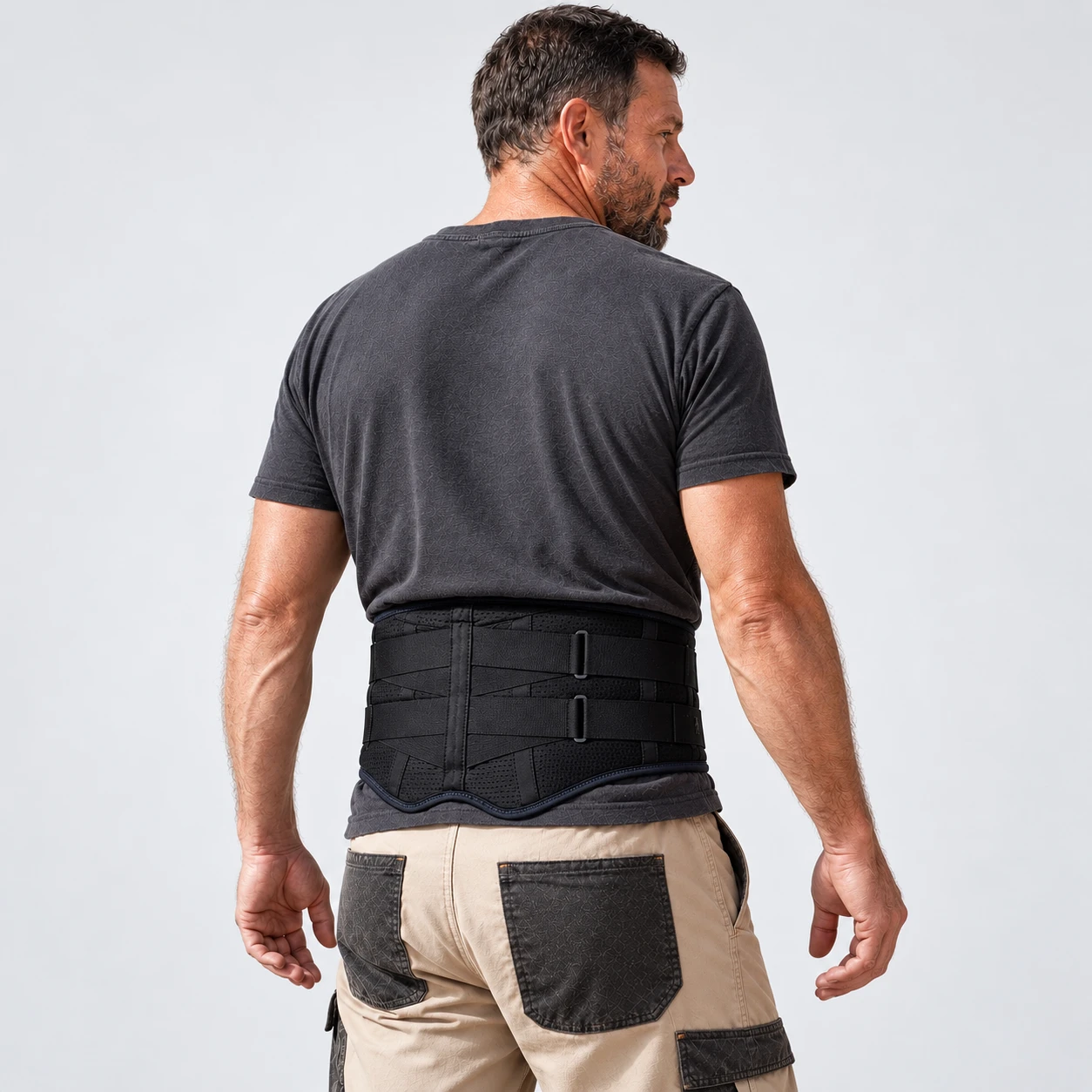
See the Elite Pro back brace, included inserts and fitting videos.
PRO: straightforward medium support
The PRO Back Support Brace provides medium lower-back support with adjustable compression. It is worth considering when you want one support configuration and prefer to adjust the fit using the straps.
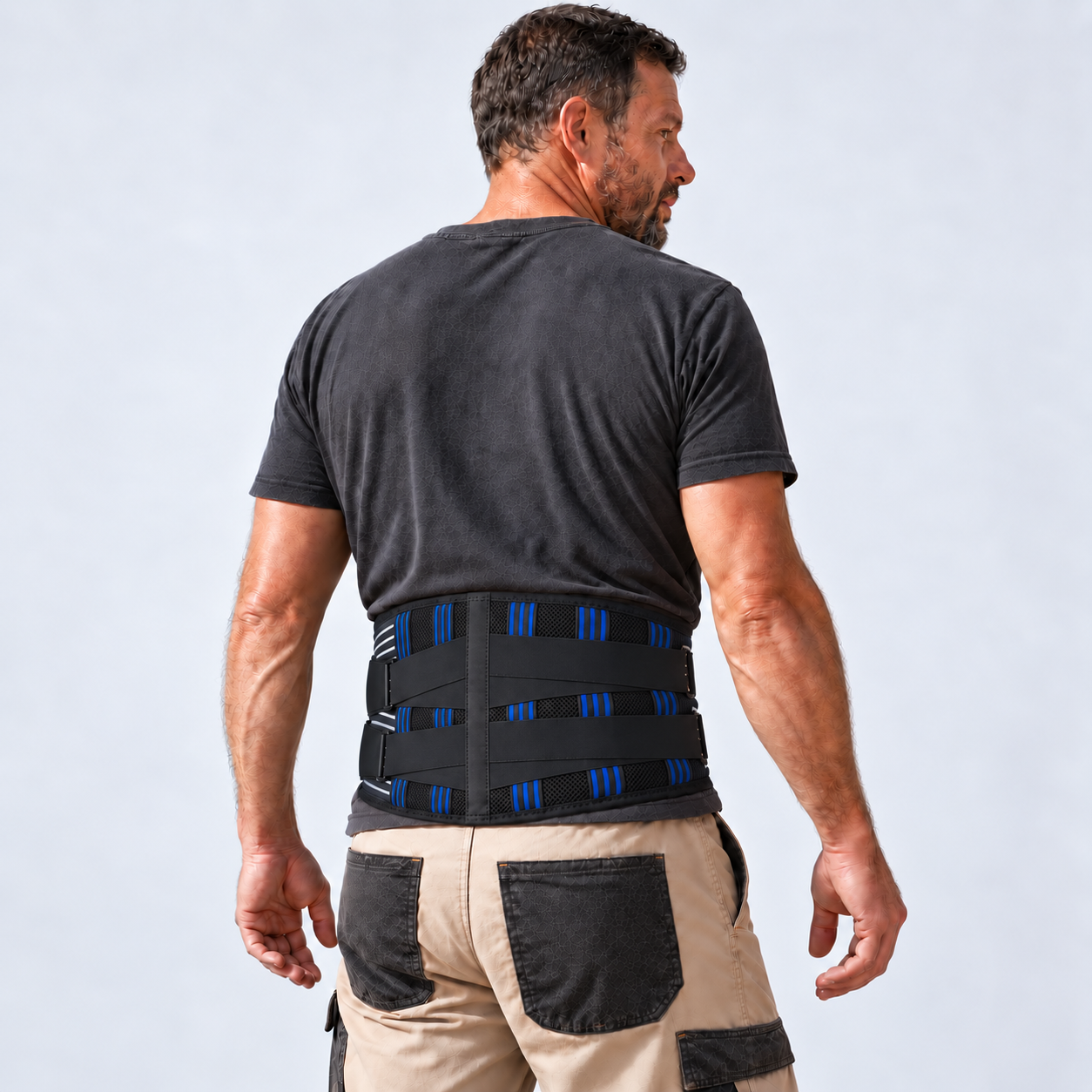
See the PRO back support brace and its size guide.
2. Think about how you will wear it
Consider whether you spend much of your day sitting, driving, standing or moving between tasks. A brace should fit comfortably in the positions you actually use, rather than only feeling right while standing still.
- For sitting: check that the edges and rear support do not press uncomfortably into your body or chair.
- For movement: check that you can walk, sit and bend comfortably without the brace shifting excessively.
- For work or activity: check that the brace does not interfere with clothing, seat belts, controls or equipment.
More rigid support is not automatically the right choice for every person or task. If you are choosing a brace because of pain, an injury or a diagnosed condition, ask your treating health professional which type is appropriate. A brace does not replace safe lifting practices or workplace procedures.
3. Measure for the specific product
Use a tape measure and follow the measuring position shown in the product's guide. For PRO and Elite Pro, the current product guides ask you to measure around your waist at belly-button level. Do not substitute your trouser size.
- Stand comfortably and measure without holding your stomach in.
- Keep the tape level and snug, without pulling it tight.
- Compare the measurement with the chart for your chosen model.
- If you are near a size boundary, check the product's guidance or ask our team before ordering.
Do not assume the back brace, hip belt and posture corrector use the same measurement or chart. Open the product size guides.
4. Check the fit before increasing compression
Position the brace as shown in its fitting guide, secure the main closure, then adjust the compression straps gradually. Aim for a secure fit that allows normal breathing and movement; pulling the straps tighter is not a substitute for choosing the right size.
Try sitting, standing and walking. If the brace feels restrictive, slips repeatedly or causes discomfort, adjust it and recheck the size and positioning. Stop using it if it causes pain, numbness or skin irritation, and seek advice where needed.
Common questions
Does the PRO include the three insert sets?
No. The three interchangeable light, medium and maximum insert sets are included with Elite Pro. PRO is the medium-support design.
Is a compression pad the same as a support insert?
No. The optional compression pad adds targeted pressure at the lower back. Elite Pro's rear inserts change its support configuration. Check the product options for current accessory availability.
What is different about PRO with Magnets & Heat?
It is a medium-support PRO model with an attached heat pad and magnets inside the back. The pad is built in, rather than supplied as a separate accessory. Read that product's heat-use instructions before choosing it.
Choose the model, then check the fit
Start with the support design you want, compare the features, then use the correct sizing guide. If you are unsure, our Australian team can help explain the product differences and measurements.
Compare our back braces and support belts
For product and sizing help, call 1300 772 568 or contact BackBrace.au.